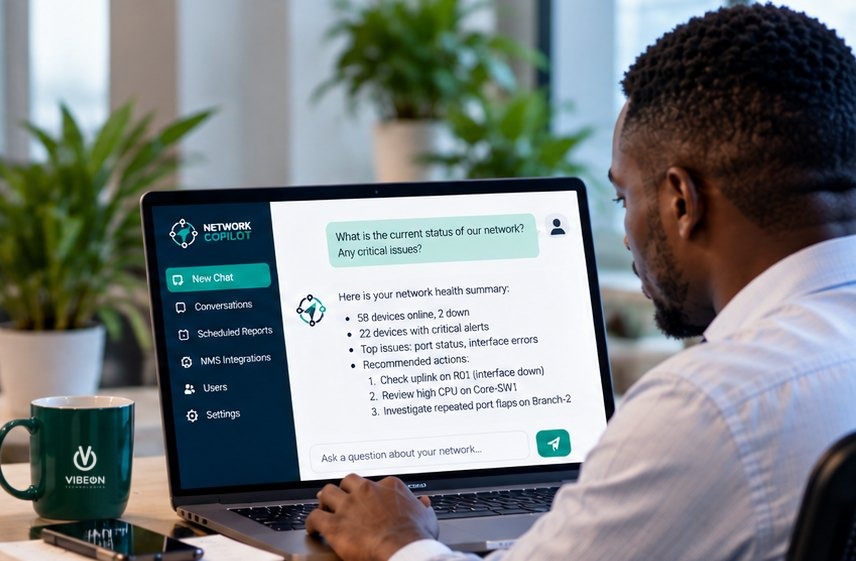
The challenge
The operator's monitoring was doing its job. LibreNMS was collecting data from devices across the network, and alerts were reaching the team. But day-to-day work was dominated by dashboards and alert queues, so the features that turn that data into reports were left unexplored.
The tools were capable. They were already installed, and the data was already being collected. What was missing was the time to find out what else they could do.
What they asked
Instead of working through documentation and menus, the team asked Network Copilot to review their monitoring setup and point out what they weren't getting from it.

I've reviewed your configuration. Here are 5 reporting features you aren't using yet, and why each one matters for your network.
What Copilot found
Copilot's review covered several areas of the setup. This part focused on reporting: five features already available to the operator that had not been switched on.
-
01 Not in use
Port groups and description tags
- What it is
- Label ports with a consistent description convention, such as
Cust: Acme,Transit: Upstream-AorCore: site-01, and group them. - Why it matters
- Report bandwidth per customer and per upstream provider, and limit alerts to the ports that matter.
-
02 No bills set up
95th-percentile and quota billing
- What it is
- Set up bills on transit, internet exchange (IX) and major-customer ports, using 95th-percentile or quota-based calculation.
- Why it matters
- Produce monthly usage and capacity reports from data LibreNMS is already collecting.
-
03 Depends on earlier fixes
Availability by device group
- What it is
- Group devices by customer or service and report availability for each group.
- Why it matters
- Turn existing uptime data into customer-facing SLA reports.
-
04 Not in use
Scheduled maintenance windows
- What it is
- Schedule maintenance in advance for the devices and services affected by planned work.
- Why it matters
- Planned work no longer counts against availability or triggers unnecessary alerts.
-
05 Check if in place
Configuration backups with Oxidized
- What it is
- Connect Oxidized to LibreNMS, if it is not already in place, to back up configurations from the Huawei and MikroTik devices.
- Why it matters
- Keep a history of configuration changes and a backup to restore from.
Availability reports only become accurate once the earlier fixes in Copilot's review are complete, so Copilot flagged that dependency instead of recommending the feature on its own.
Features are hidden in the noise of alerts and dashboards. Network Copilot brings them out, helping you make maximum use of your existing infrastructure.
Why it matters
- More from what you already have. Four of the five recommendations are features already built into LibreNMS. The fifth connects an existing open-source tool.
- Reports customers and managers can use. Per-customer bandwidth, monthly billing data and SLA availability all come from data that was already being collected.
- Less noise for the team. Port groups and maintenance windows mean fewer unnecessary alerts, so engineers can focus on the ones that matter.
Operator details have been anonymised, and customer and provider names in examples have been replaced. Network Copilot's findings depend on the data, integrations and permissions available in each environment, and recommendations should be validated by the responsible engineer.